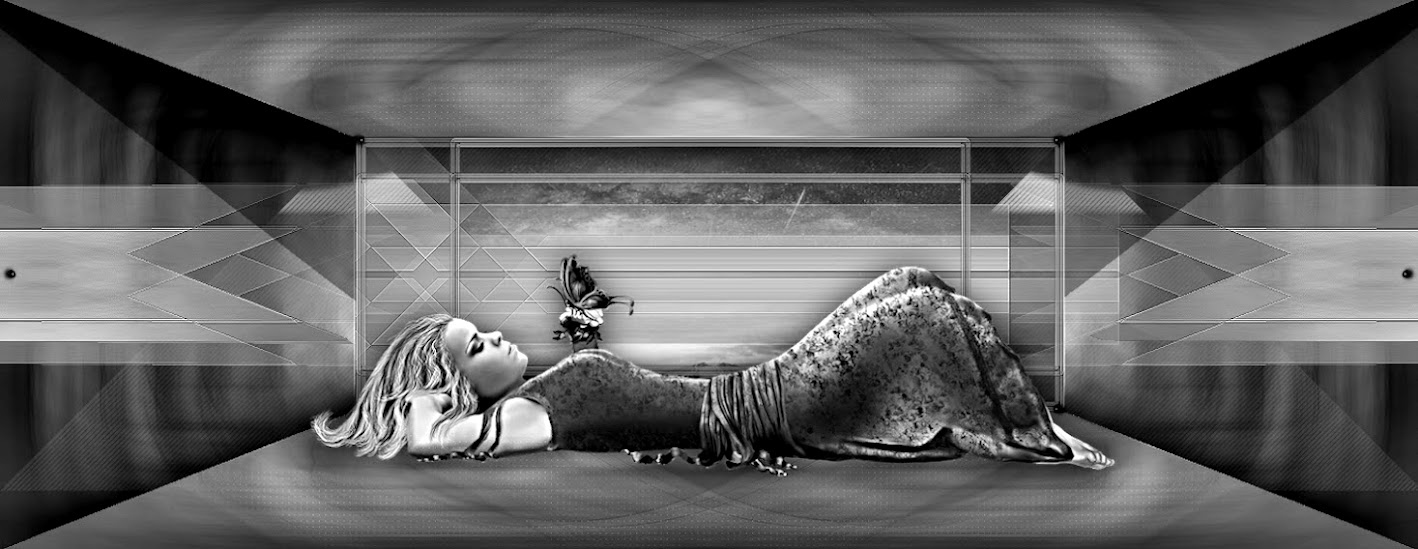
Este tutorial é da autoria
De : Alyciane

Site:
Obrigada Alyciane, por me autorizar a traduzir o seu tutorial em português
Este tutorial é protegido por copyright
O material fornecido é protegido pelos autores dos tubes
É proibido de se apropriar ou modificar o original e/ou as assinaturas.
É proibido qualquer difusão sem autorização escrita.
Tutorial realizado com PSP 2022
Traduzido com PSP 2019 ult.

Tutorial original AQUI
Material a descarregar no site da autora (clica sobre o papagaio)
Versão conforme ao original:

Com animação


Plugins :
Alien Skin - Snap Art - Oil paint
Alien Skin Xenofex 2 Constellation
:::::
Animation shop
Roteiro:
Cor utilizada

File, new , image, transparent de 1100 x 700 pixels
Select all
Carregar a imagem fond, Copy
Paste into selection
Remover a seleção
Layers/duplicate
Image, mirror, horizontal
Layers, properties, blend mode multiply
Layers, merge down
Adjust, one step photo fix
Adjust, blur, gaussien radius a 100
Effects, plugins: Alien Skin - Snap Art - Oil paint
Settings: canvas leather


Layers/duplicate
image resize a 80% , all layers desmarcado
Com a magic tool, tolerance e feather a zero
Selecionar a parte transparente da layer
selections/invert
Selections, modify, select the selection borders:

Juntar uma nova layer
Preencher com a cor #638111
Effects 3D, Inner bevel:

Com a magic tool, selecionar o interior da moldura
Juntar uma nova layer
Sobre a imagem fond, copy
Paste into selection
Remover a seleção
Layers, merge down 2x
Effect 3D , drop shadow: 10/10/50/5 preto
Repetir em negativo ( -10/-10)
Carregar o tube cadre, copy
Paste as a new layer
Colocar como sobre o exemplo final
Carregar os seguintes tubes :
fillette - oie - garçon
Copy paste as a new layer, colocar como sobre o exemplo
Assinar
Layers, merge visible
Carregar o tube décoration, copy
Paste as a new layer
Se não desejar fazer a animação
Merge all
Resize width a 1000 pixels
salve em JPG
Animation
(Antes de Merge all)
Mantenha-se sobre o tube décoration
Effects plugins: Alien Skin Xenofex 2, Constellation
Sobre settings: escolher Glimmer
aplicar com estes dados: 3/25/1/0/100/75

Edit/copy special, copy merged
Lançar o Animation shop
Edit/paste as a new animation
*volte sobre o seu trabalho PSP : Edit/Undo constellation
Effects plugins: Alien Skin Xenofex 2, Constellation :
clica uma vez sobre Rand Seed
Edit/copy special, copy merged *
Sobre Animation shop: Edit/Paste after current image */*
Repetir mais uma vez para obter 3 imagens
Animation/resize/width a 1000

Salve em gif
A minha versão


Aucun commentaire:
Enregistrer un commentaire
Votre commentaire sera visible après modération