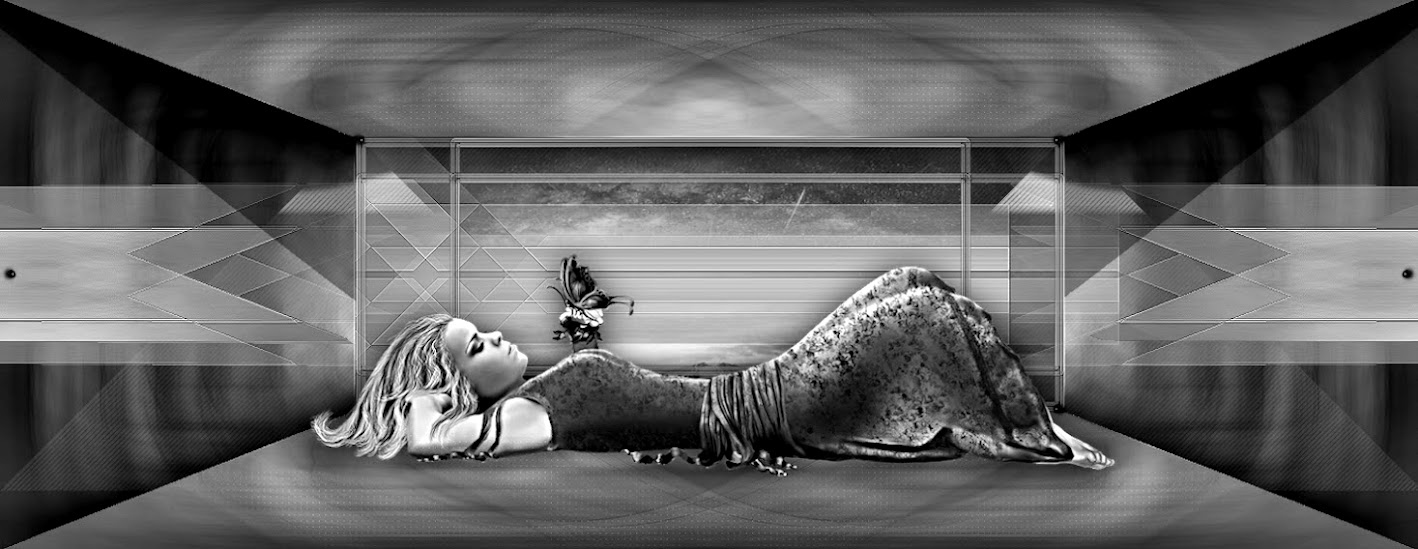
Este tutorial é da autoria de Cloclo

Obrigado por a sua confiança e o seu pedido para a tradução dos seus tutoriais
Nota da Autora:
É estritamente proibido copiá-lo ou distribuí-lo no web, blogs, fórum sem minha permissão por escrito.
Este tutorial foi realizado com Corel PaintShop pro 2020
Mas também pode ser realizado com outras versões PSP
traduzido com PSP ult. 2019
(se utilizar tubes com licença, não esqueça de a colocar sobre o seu trabalho)

Tutoriel original AQUI
Versão conforme ao original:

A minha versão:
tube mulher de Lady vallela, paisagem de Cat Dana, cão de (kit scrap) TK, Obrigado !

Material AQUI
Plugins:
I.C.NET Software / Filters Unlimited 2.0 :
Texturize / Stones [scaled]
Tramages / Groovy Bachelor Pad
Plugins AB 03 / Waving Home
Graphic plus, Cross Shadow
:::
Carolaine and Sensibility / Cs texture
Filtre: AAA Frames / FOTO FRAME
Roteiro:

Cores:

Colocar as cores:

Foreground Cor 1 / Background Cor 2
Carregar o ficheiro canal alpha_soleil_d'été
duplicar (window/duplicate), fechar o original, continuar sobre a copia
Selections, Select all
Carregar a imgem fractal
Edit/ copy
Edit/paste into selection
Remover a seleção (select none)
2
Adjust, blur, gaussien blur, Radius a 50

Effects, plugins : Carolaine and Sensibility / Cs texture:

Effetcts, Edge effects, enhance
Selections, Select all
Nota pessoal: se desejar mudar a cor do tube déco, juntar uma nova layer , blend mode luminance legacy
Carregar o tube deco Cloclo, copy
Paste into selection
Remover a seleção
3
Carregar o tube déco Cloclo1, copy
Paste as a new layer
Objects, align, top
Ativar a layer do fundo das layers
Selections, load a selection from alpha channel, Cloclo1

Selections, promote selection to layer
Layers, arrange, bring to top
Adjust, blur, gaussien blur, Radius a 10
Effects, Edge effects, enhance
Guardar a seleção ativa
4
Carregar o misted paysage Cloclo , copy
Paste into selection
Effects, plugins : FM Tile Tools / Blend Emboss , como à abertura

Edit/ Repeat, Blend Emboss
Guardar a seleção ativa
Preparar um gradinete de cores (gradient), Foreground/background, Linear

Selections, Modify, Select the selection borders:

Juntar uma nova layer
Preencher com o gradient
Gardar a seleção ativa
5
Effects, plugins : I.C.NET Software Filters Unlimited 2.0 , Texturize , Stones [scaled]:

Effects, plugins : I.C.NET Software Filters Unlimited 2.0 , Tramages , Groovy Bachelor Pad:

Effects 3 D , Inner bevel:

Remover a seleção
6
Layers, merge down
Effects 3 D , drop shadow: 0 / 0 / 40 / 30 / preto

Juntar uma nova layer
Selections, load a selection from alpha channel, Cloclo2
Preencher com a cor 4
Effects, plugins : I.C.NET Software / Filters Unlimited 2.0, Plugins AB 03 , Waving Home:

7
Remover a seleção
Effects 3 D , drop shadow, 0 / 0 / 40 / 30 / preto
Layers, Duplicate
Image, Mirror , Mirror horizontal
Layers, merge down
8
Carregar a déco Cloclo2 , copy
Paste as a new layer
Objects, Align, top
Carregar o tube texte, copy
Paste as a new layer
Objects, Align, top
Ou colocar com a pick tool (letra K):
Position X 313 / Y 0
(Letra M para desmarcar)
Carregar o tube déco Cloclo sable, copy
Paste as a new layer
Colocar em baixo, Ver o exemplo final
Carregar os differentes tubes: femme, fillette, chapeau, mouette
Copy/paste as a new layer
Colocar e aplicar a drop shadow de sua escolha
Carregar o tube déco Cloclo3 , copy
Paste as a new layer
Colocar com a pick tool (K): Position X 211 / Y 18
(M)
Se não desejar fazer a moldura, a mesma encontra-se no material
copy merged, paste into selection, passe à etapa 12
9
Moldura:
Image , add borders, symmetric:
3 pixels / Cor 3
3 pixels / Cor 2
3 pixels / Cor 1
Selections/ Select all
Image , add borders, symmetric: 15 pixels / Cor 2
Selections / Invert
Effects, reflection effects, Pattern :

Adjust, blur, gaussien blur, Radius a 10
Effects, plugins: I.C.NET Software / Filters Unlimited 2.0 / Graphics Plus / Cross Shadows / como à abertura
10
Effects, plugins: I.C.NET Software / Filters Unlimited 2.0 / Plugins AB 03 / Waving Home, com estes dados:

Effects 3 D, inner bevel:

Effects 3 D, drop shadow 0 / 0 / 40 / 30 / preto
Remover a seleção
11
Image , add borders, symmetric: 3 pixels / Cor 2
Select all
Image , add borders, symmetric: 40 pixels / Cor 5
Selections / Invert
Effects, plugins: AAA Frames / FOTO FRAME:

Selections / Invert
Effects 3 D, drop shadow: 0 / 0 / 55 / 40, preto
Remover a seleção
12
Image , add borders, symmetric: 1 pixel , preto
Carregar o tube coin Cloclo , copy
Paste as a new layer, não mover
Assinar e juntar a assinatura da autora
Layers, merge all (flatten)
Image, Resize, width a 1000 pixels
Salve em JPG
Tradução de:


